Digital menu with QR Code for restaurants, bars, or snack bars. Free and easy to update.
Why adopt a digital menu with QR Code?
Food industry professionals, it's time to ditch that yellowed laminated menu and fully embrace digital! QR Code menus are not just a pandemic trend , they have become a necessity, and customers love them.
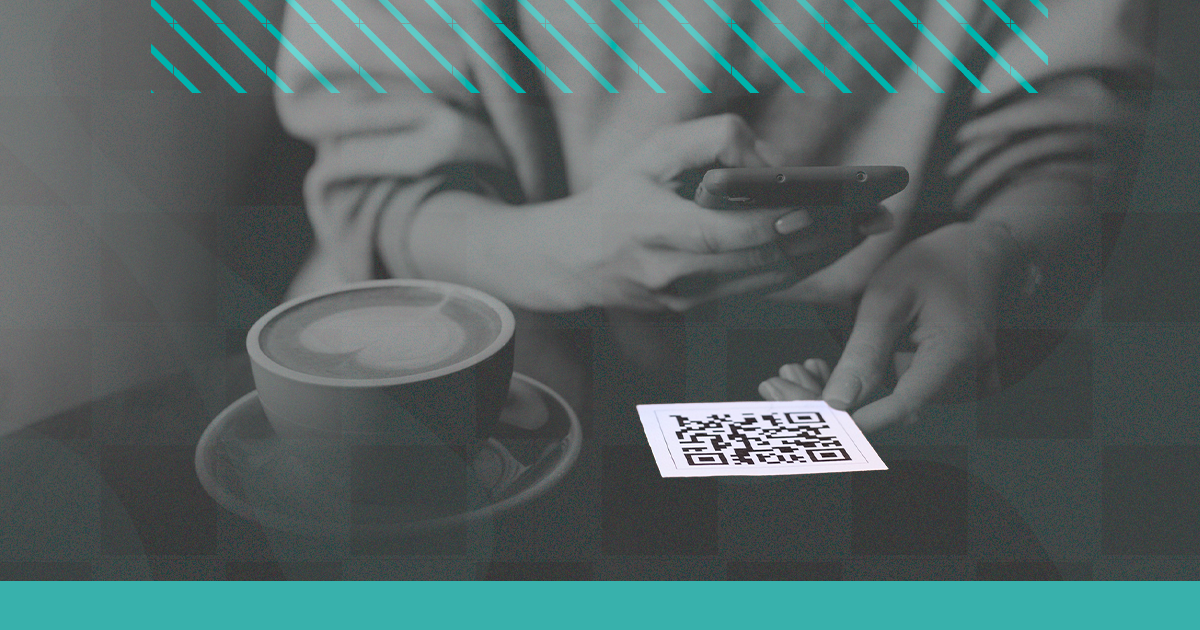
Think about it: the customer arrives, sits down, scans the QR code on the table, and is already viewing the beautiful, updated menu on their own phone. No waiting for the waiter, no dirty menus, no outdated menu.
Advantages of a digital menu with QR Code
- ✅ Instant updates: changed the price? Update it in 2 minutes without reprinting anything
- ✅ No printing costs: save hundreds of reais per month
- ✅ Professional image: conveys modernity and sophistication
- ✅ Dish photos: customers see the dish before ordering , increases average ticket size
- ✅ Works on any phone: iPhone or Android, no app download required
- ✅ No physical wear and tear: no more crumpled or torn menus
How to create a digital menu with QR Code on Superplural Link
Let's create your digital menu step by step on Superplural Link:
- request a free demo at link.superplural.com
- Create a link in your bio with the menu (sections by category: appetizers, main dishes, drinks, desserts)
- Add photos, prices, and descriptions for each item
- Get the unique link for your menu
- In the Superplural Link dashboard, generate the QR Code for that link
- Download the QR in PNG or SVG and send it to print for the tables! 🎉
How to print and display the QR on the table
There are several ways to display the QR Code in the dining area:
- 🗂️ Acrylic menu holder: place the QR inside the menu holder
- 🏷️ Sticker on the table: QR directly stuck to the table or counter
- 📄 Plasticized A4 sheet: a cheap and easy-to-replace option
- 🪧 Standing sign: practical and visible for the customer
How to update the digital menu without a new QR
This is the magic of the dynamic QR Code from Superplural Link! Since the QR points to a link that you control, you can:
- ✅ Add new dishes at any time
- ✅ Remove sold-out dishes in seconds
- ✅ Update prices without reprinting the QR
- ✅ Create special menus for weekends or holidays
- ✅ Add temporary promotions and combos
Other uses for the QR Code in your restaurant
- 📦 Delivery: QR on the packaging that links to the online order menu
- 🎁 Promotions: QR on a flyer with the special offer of the day
- 📱 Social media: QR that leads to the restaurant's Instagram
- 📶 Free WiFi: QR for the WiFi password for customers
- ⭐ Reviews: QR that goes directly to Google Maps
Frequently Asked Questions
What if the customer doesn't know how to scan a QR?
Good question! In these cases, keep some physical menus available. But more and more, this is the exception , anyone with a smartphone can read QR codes using the native camera.
Do you need internet to function?
The customer needs internet to access the digital menu after scanning. That's why free WiFi is an important plus for establishments!
🚀 Modernize your establishment today! Create your digital menu with QR Code for free at Superplural Link!
Extra Tip
If you would like to use the QR code directing to a professional Menu platform, our tip is to use the Superplural Link Menu. The Superplural Link Menu is our dedicated platform for restaurants and cafes to create professional menus.
Check out the General Menu


