Create a free QR Code in seconds. Digital menu, business card, events, and much more.
What is a QR Code and how does it work?
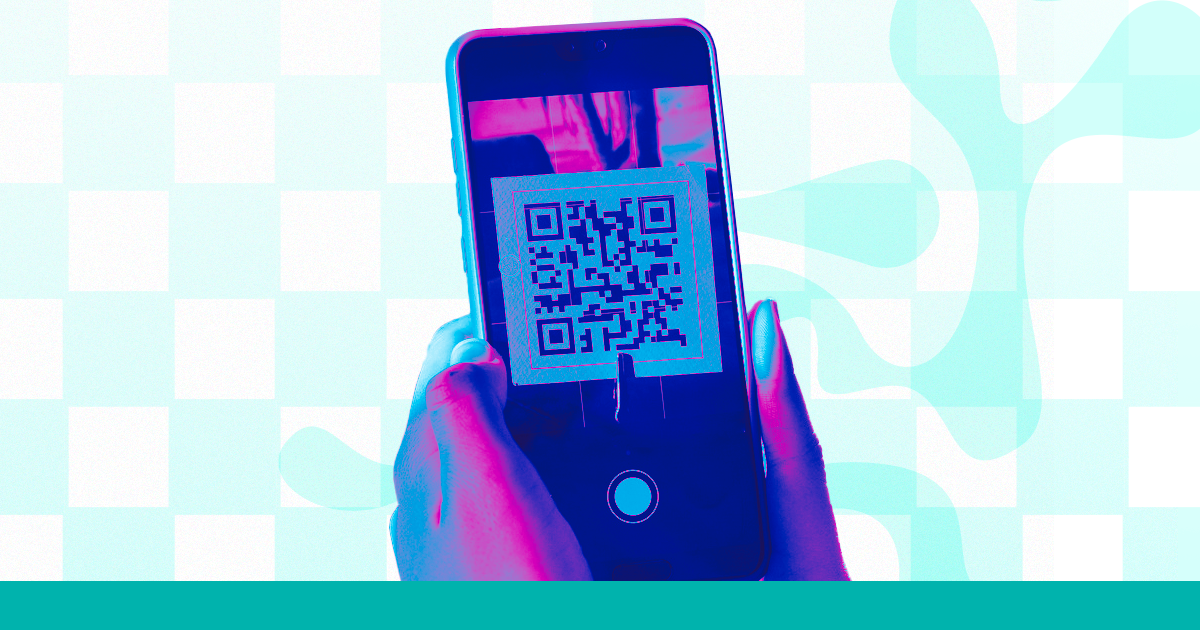
QR Code (Quick Response Code) is that little black and white square (here you can customize it with your colors and logo) that you scan with your phone's camera. When scanned, it takes the person to a link, a text, a WhatsApp number, or any other information.
These days, QR Codes are everywhere: restaurant menus, business cards, product packaging, event banners, store windows. It’s one of the most practical ways to connect the physical world with the digital one! 🔗
How to create a QR Code in Superplural Link: 5 simple steps
Creating a QR Code in Superplural Link is very easy, professionals. Here’s how:
- Access link.superplural.com and log into your account (free)
- In the dashboard, click on "QR Code" in the menu
- There you will find options: Text, URL, Phone, SMS, Email, WhatsApp, Facetime, Location, WiFi, Event, Vcard, Crypto, PayPal, and Pix Payment.
- Paste the link or content you want to turn into a QR Code
- Customize the colors and style if you want
- Click on "Generate" and download the image in PNG or SVG 🎨
The QR Code is generated instantly, and you can use it in any printed or digital material. It’s super simple!
8 practical uses of QR Codes with real examples
- 🍽️ Digital Menu: customer scans at the table and sees the menu on their phone
- 💼 Business Card: QR leads directly to LinkedIn, website, or WhatsApp
- 📦 Product Packaging: QR with usage instructions or demo video
- 🎪 Events: QR on tickets or banners with full schedule
- 🏪 Store Window: QR outside of hours for online orders
- 📸 Social Media: QR that leads to your Instagram or TikTok profile
- 📶 WiFi Password: QR that automatically connects the customer to the network
- 💰 Payments: QR that opens Pix or digital wallet
Dynamic QR Code vs Static: which one to use?
Professionals, this is a very common question. The difference is simple:
Static QR Code: the content is stored directly in the code. If you print it and want to change the link, you need to create a new QR and reprint everything. It works for things that don’t change, like WhatsApp or a fixed page.
Dynamic QR Code: the QR points to a short link that can be edited. You print it once and change the destination whenever you want, without needing to reprint! Perfect for restaurant menus, marketing campaigns, and anything that changes frequently. 🎯
In Superplural Link, QR Codes created with shortened links are dynamic by default. You change the link's destination, and the QR continues to work!
How to download and use the QR Code
After generating in Superplural Link, you can download the QR Code in two formats:
- ✅ PNG: great for use in digital documents, posts, and presentations
- ✅ SVG: vector format, no loss of quality at any size; ideal for professional printing
Tip: always download in SVG when printing in large size. This way, the QR remains clear even on a large banner! 🔥
Frequently Asked Questions about QR Codes
Can any phone read a QR Code?
Yes! Smartphones with Android and iPhone can read QR Codes directly through the native camera, without needing a specific app.
Does a QR Code have an expiration date?
The QR itself does not expire, but the link it points to needs to be active. With the dynamic QR from Superplural Link, you control this directly from the dashboard.
Can I track how many people scanned my QR?
Yes! With a dynamic QR Code in Superplural Link, you can see all the analytics: scans, devices, locations, and times.
🚀 Ready to create your QR Code for free now? Access Superplural Link and generate it in less than 1 minute!
Extra Tip
If you would like to use the QR code directing to a professional Menu platform, our tip is to use Menu Superplural Link.
The Superplural Link menu is our dedicated platform for restaurants and cafes to create professional menus.



