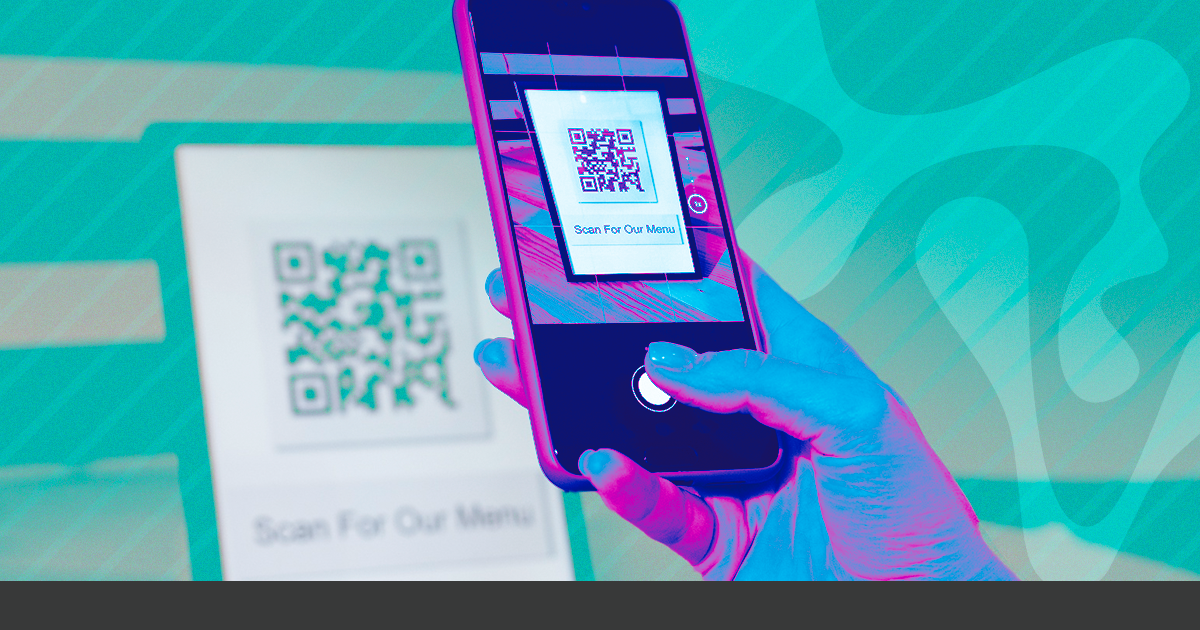
Read QR Codes directly in your browser using the free reader from Superplural Link. It works with a camera photo or an image saved on your computer, without installing anything.
Need to read a QR Code but you're on your computer without your phone in hand? Or do you have a saved image of a QR Code and want to know where it points without needing to print it? The free online QR Code reader from Superplural Link solves this directly through your browser.
How to use the QR Code reader
Access yourdomain.com/tools/qr-code-reader and you have two options:
- Upload an image: if you have a photo or image file with the QR Code, just upload it and the tool will automatically extract the data
- Use the camera: if you're on a device with a camera (laptop or phone), you can point it directly at the code
The result appears in seconds: the content of the QR Code (URL, text, contact data, etc.) is displayed on the screen, and you can copy or access the link directly.
Practical use cases
Verify QR Codes before printing: Any QR Code you create should be tested before going to print. Paste the image into the tool and confirm that the code points to the correct destination and is readable.
Verify received QR Codes: Before scanning an unknown QR Code with your phone, it’s safer to analyze it first on your computer. The Superplural Link reader shows the full URL without needing to open it, so you can check if the destination is legitimate.
Extract data from old QR Codes: If you have printed materials with QR Codes and no longer know where they point, take a photo and read it with the tool.
Professional use in agencies and printing companies: Checking QR Codes is part of quality control before any printing. The online tool eliminates the need for a dedicated app.
Barcode reader also available
If you need to read a conventional barcode (EAN-13, ISBN, etc.), Superplural Link also has an online barcode reader. It works the same way: upload an image and extract the data.
How to create QR Codes with Superplural Link
In addition to reading, Superplural Link allows you to create complete QR Codes with advanced customization: logo in the center, frame with text, over 18 pattern styles, custom colors, and support for multiple types of content (URL, WiFi, Vcard, WhatsApp, email, PIX, location, event, and more).
The QR Codes created in Superplural Link are dynamic: you can change the destination after printing without needing to generate a new code. To learn more, read our article on QR Code with frame and custom logo.
Access the free QR Code reader now at yourdomain.com/tools/qr-code-reader.



