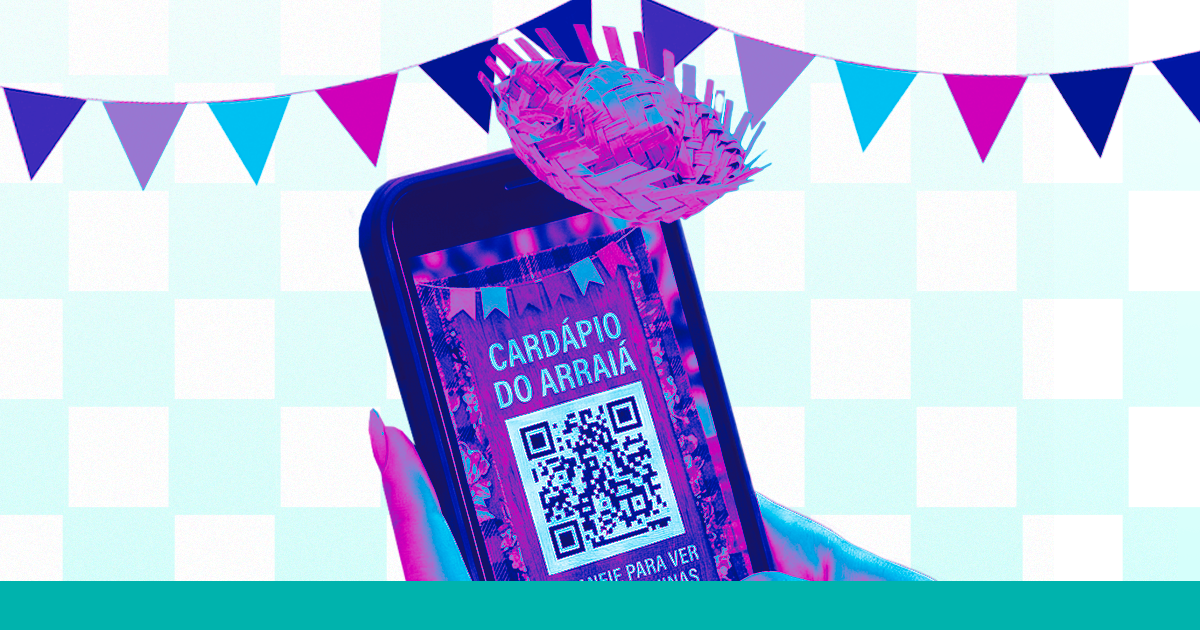
Arraial, June festival, or themed event? Use a QR Code on the menu and in the promotion to impress everyone.
QR Code for June Festival Menu and Themed Events
Let’s talk about June festivals, professionals! 🌽🎉 The festivities are coming, and are you still thinking about printing menus? Hold on! You can do it much more beautifully, much more practically, and for free with a QR Code. The Superplural Link helps you create it in minutes. Come check it out!
Why Use QR Codes at Themed Parties
- 🔥 Surprising Modernity: people don’t expect technology at a June festival. This combination is a charm on its own.
- 📋 Always Updated Menu: ran out of cuscuz? Remove it from the menu in seconds.
- 💰 Saves on Printing: no paper, no lamination, no waste.
- 📊 Tracks Interest: see which dishes were viewed the most.
- 🎯 Facilitates Ordering: QR for WhatsApp , customer sends the order right away.
How to Create a Digital Menu for June Festival on Superplural Link
- Access link.superplural.com and request a free demo.
- Create a new page with the name of the festival (e.g., "Arraial do Seu Zé 2026").
- Add sections by category: Foods, Drinks, Sweets, Alcoholic Beverages.
- For each item, add a button with the name, emoji, and link for ordering (WhatsApp or form).
- Add a themed banner with June festival colors (red, yellow, blue) at the top.
- Generate the QR Code and place it on each table, at the booths, and on the panels.
Creative Decoration Ideas with QR Codes
- 🏮 Bunting with QR: print small colorful bunting with the QR in the middle.
- 🌽 Wooden Signs: rustic style with QR Code engraved or printed on it.
- 🪣 Popcorn Bucket: QR attached to the side of the popcorn bucket as a souvenir.
- 📸 Photo Booth: QR Code on the photo panel leads to a digital album of the event.
- 🎪 Flag Holder: QR attached to a wooden stick in the center of each table.
Event Promotion with QR Code (Posters, Flyers, Social Media)
- 🖼️ Poster: place the QR in the bottom corner with "Full schedule here 👆".
- 📄 Flyer: QR that opens the event page with times, attractions, and menu.
- 📱 Stories: place the QR in the Stories art , anyone can open the camera and scan it.
- 💬 WhatsApp: send the link directly in friends' and family groups.
- 📘 Local Groups: promote in city Facebook groups with the link and event photo.
QR Code for Photos and Check-In
Create a special QR Code that leads to a Google Photos or shared album. Place it on a nice totem at the event with the sign "Scan to see the festival photos! 📸". It will be the most photographed spot at the party , and everyone will share it on social media! 🔥
How to Update the Menu in Real Time
This is the magic of the QR Code with a dynamic link (like the one you create on Superplural Link): the printed QR Code stays the same, but the content of the page changes. Ran out of sugarcane juice? Log into your Superplural Link account, deactivate the item, save it. Done , everyone who scans the QR will no longer see the sold-out item. No need to reprint anything! ✅
Printing and Display Tips for the QR Code
- 📐 Minimum of 5x5cm for banners and posters.
- 🎨 Use contrasting colors , white background with dark QR always works.
- 🏮 Leave blank space around the QR (at least 1cm margin).
- 💡 Avoid very bright or reflective locations , it makes reading difficult.
- 📝 Always add an instruction text: "Scan with your phone camera 📱".
- ☔ Laminate or use durable adhesive paper for outdoor pieces.
FAQ , QR Code at June Festivals
- Do I need internet on-site? Yes, to access the menu. Provide Wi-Fi or use 4G.
- Can I use the same QR as last year? Yes! Just update the link content on Superplural Link.
- Is it difficult to create? No! In 10 minutes you’ll have a digital menu and QR Code ready.
- Does it work on any phone? Yes , the native camera on iOS and Android reads it without needing an app.
- Can I customize the QR colors? Yes! On Superplural Link you can choose colors and add a logo.
Let’s Make the Most Modern Festival in Town!
Mix the tradition of the June festival with the practicality of the QR Code and surprise everyone. Create your digital menu and QR Code for free on Superplural Link now. It takes less than 10 minutes, and the result is incredibly professional! Create your account and shine at the festival. 🌽🎪🔥



