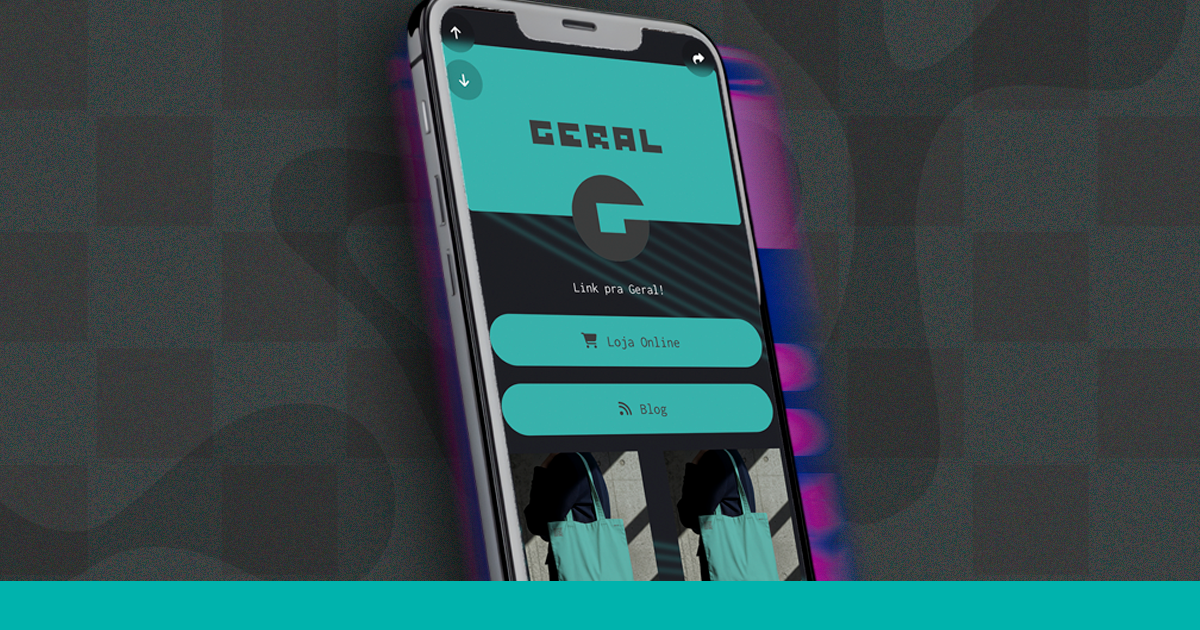
Have you never heard of a link in bio? This quick guide explains everything simply and teaches you how to create yours in 2 minutes.
What is a link in bio? A simple definition in English
"Link in bio" is the unique link you place in your Instagram bio (or TikTok, YouTube, etc.) that directs your followers to a special page with all your other links. It’s basically a mini-page of you on the internet, accessible through a single link.
How does it work in practice?
Think of it this way: you have an Instagram profile and want to direct your followers to your website, your WhatsApp, your YouTube channel, and even your menu. The problem is that Instagram only allows 1 link in the bio. The solution is to create a page on Superplural Link that consolidates all these links, and place the link to that page in your bio. It’s that simple!
Why do social networks limit links?
It’s a strategy from the platforms themselves. Networks like Instagram and TikTok want you to stay within their ecosystem, not directing you to external sites. So they limit where you can place clickable links , basically only in the bio. This limitation has created the market for link in bio tools, like Superplural Link.
Who uses link in bio? Real examples
- 🤳 Influencer and content creator: links to YouTube, podcast, Patreon, merch store, and paid partnerships.
- 🛍️ Online store: sales site, WhatsApp, catalog, promotions, and social media.
- 🍕 Restaurant: digital menu, iFood, WhatsApp for reservations, and address on Maps.
- 🎵 Artist and musician: Spotify, YouTube, shows, ticket store, and fan page.
- 💼 Freelancer and independent professional: portfolio, WhatsApp, LinkedIn, Calendly for scheduling.
How to create your link in bio on Superplural Link in 3 steps
Step 1 , Create your account: Go to link.superplural.com and request a free demo in less than 1 minute. You only need an email and password.
Step 2 , Add your links: Inside the dashboard, click on "Add link" and paste the URLs you want to share. You can add as many links as you want and organize the order.
Step 3 , Copy your link and paste it in the bio: Superplural Link will give you a link in the format yourdomain.com/your-name. Copy this link and paste it in your Instagram bio (or another network). Done! Your link page is live. ✅
FAQ , Frequently asked questions
Is link in bio free? Yes! With Superplural Link, you create your link page for free, with no limit on links and no expiration date.
Do I need to have many followers to use link in bio? No! Even with 100 followers, having an organized link in bio conveys more professionalism and makes life easier for your followers.
Can I customize the page? Yes! You can add a profile picture, name, bio, and customize the colors of your page on Superplural Link.
How many links can I add? Unlimited! In the free plan of Superplural Link, you can add as many links as you want without paying anything.
Does the link work on TikTok and YouTube too? Absolutely! You can use the Superplural Link on any social network that allows a link in bio.
How can I know how many people clicked? Superplural Link has integrated analytics that shows how many clicks your page and each link received.
Create your link in bio now!
Now that you know what a link in bio is, there’s no excuse for not having yours. It’s free, it’s quick, and it will transform how you share your content and products. Visit link.superplural.com and create yours now! 🎯



